Share your Tamaris basket with one link
The free BuyMeGift extension reads your Tamaris basket, turns it into one link, and rebuilds it on the other side by reopening each product and adding it again.
- Store type:
- Retail
- Currency:
- PLN
- Storefronts:
- 1
What the extension does on Tamaris
| Feature | On Tamaris |
|---|---|
| Read a product pageSaves the item, its price and the options you picked, straight from a Tamaris product page. | Supported |
| Read a whole basketReads every line of your Tamaris basket in one go, instead of one product at a time. | Supported |
| Add to a basket for youPuts a saved item back into a Tamaris basket without anyone clicking through the page. | Supported |
What happens when someone opens your link
On Tamaris the rebuild runs product by product: each saved product page is reopened in the background and added to that person's own basket. Anything sold out is skipped rather than swapped for a different option, and skipped items stay in the preview to open by hand.
How to share your Tamaris basket
1.Install the free extension
Add BuyMeGift to Chrome or Edge. Creating a shared basket, and opening one, never asks for an account.
2.Fill your Tamaris basket as usual
Pick what you want on Tamaris and add it to the basket. The extension reads what is in the basket — it never guesses an option you did not choose.
3.Save the basket, then share the link
Click the BuyMeGift icon while your Tamaris basket page is open, save the draft, then press Share Link to publish it and start its countdown.
4.They open the link on their side
On Tamaris the rebuild runs product by product: each saved product page is reopened in the background and added to that person's own basket. Anything sold out is skipped rather than swapped for a different option, and skipped items stay in the preview to open by hand.
Tamaris storefronts we cover
| Storefront | Country |
|---|---|
| tamaris.com | 🇵🇱 Poland |
Tamaris offers in our catalogue
All Tamaris offers1,217 live Tamaris offers, priced from the merchant's own feed.
Tamaris PL
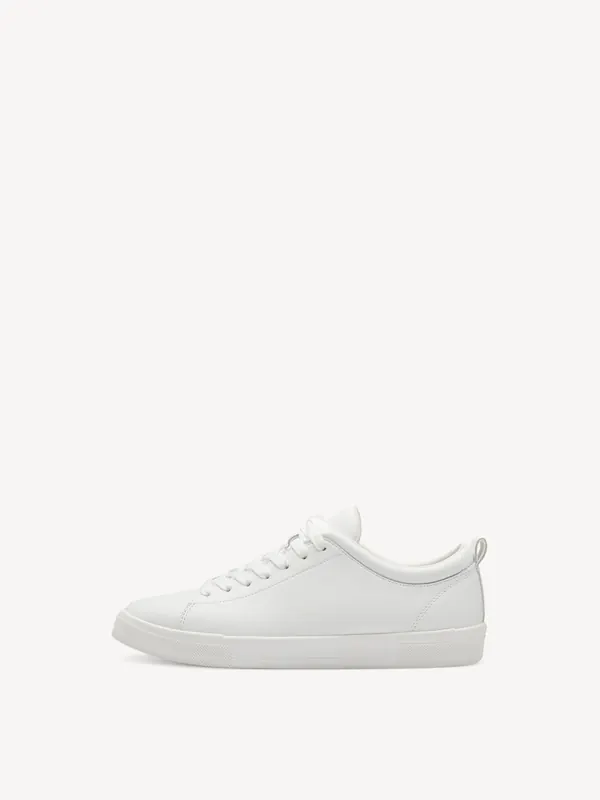
Sportowe biały - 36
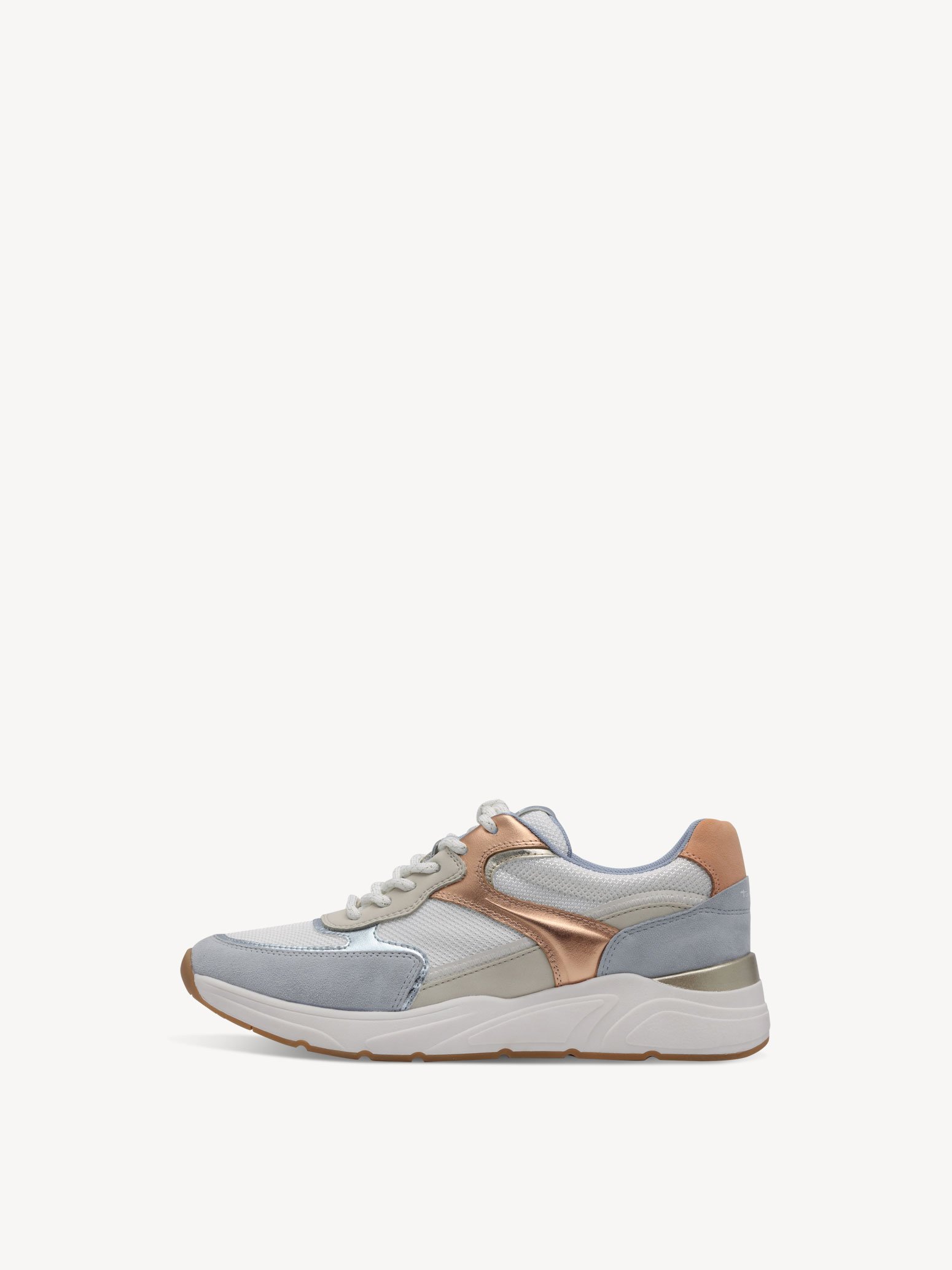
Sportowe niebieski - 36
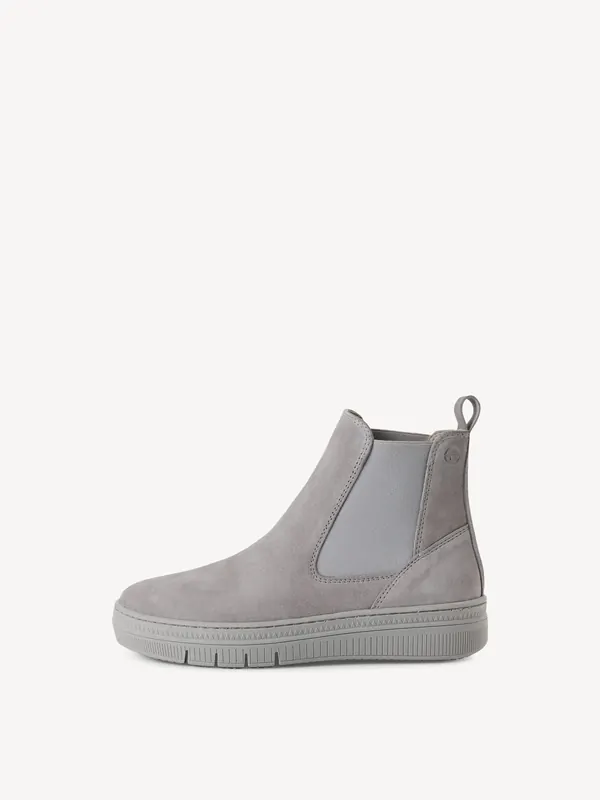
Buty Chelsea szary - 40
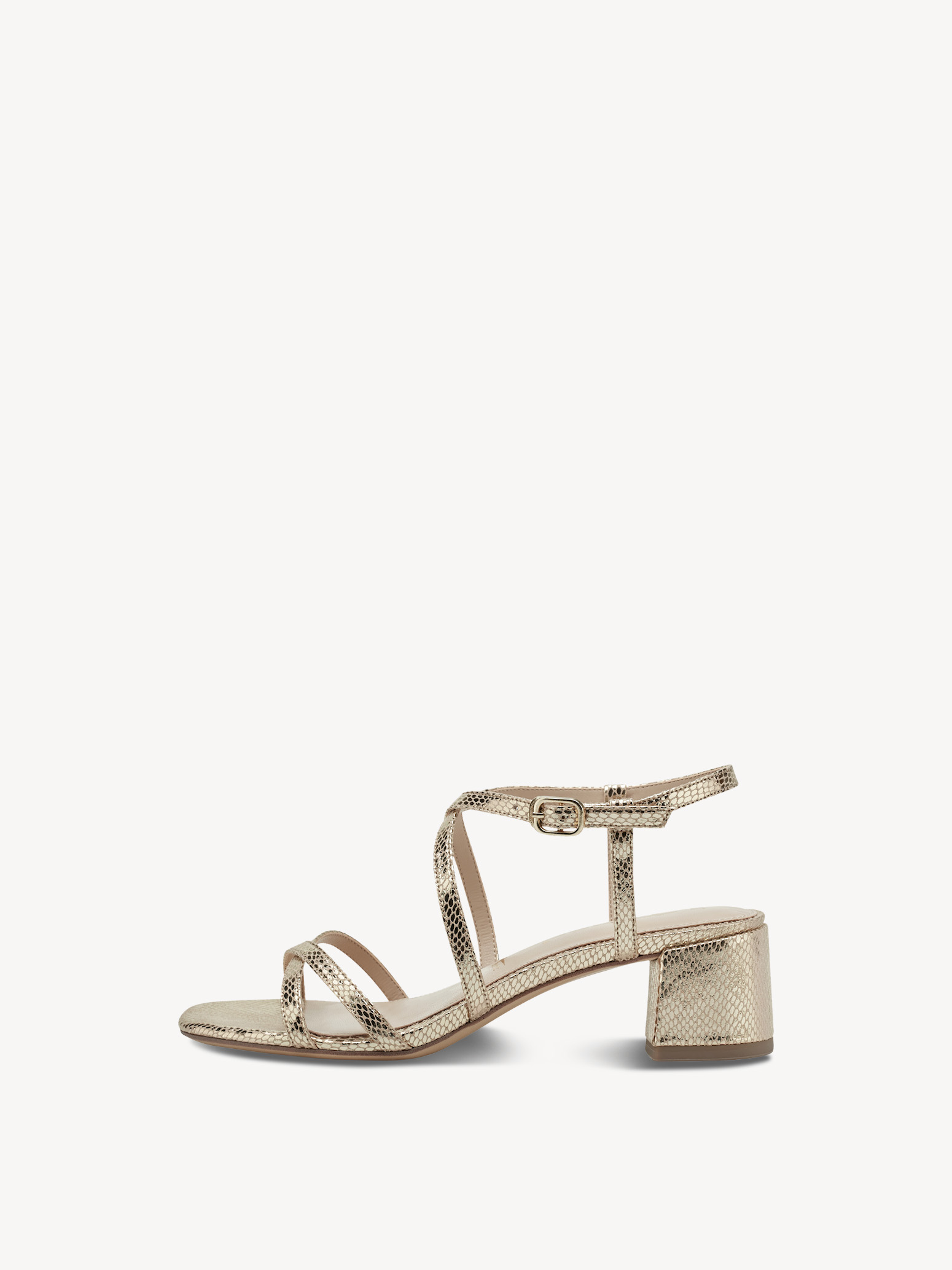
Sandały na obcasie złoto - 39
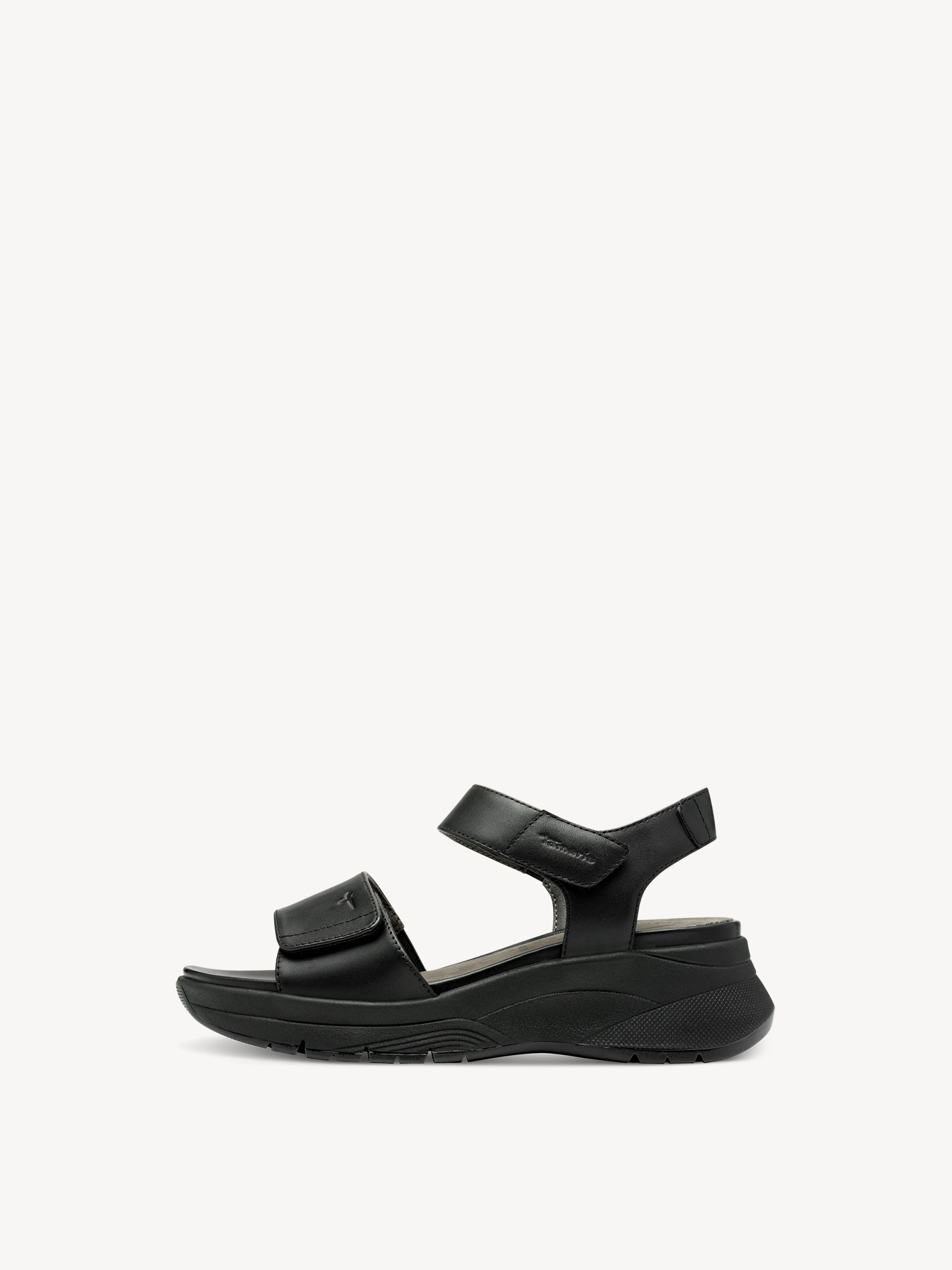
Sandały czarny - 40
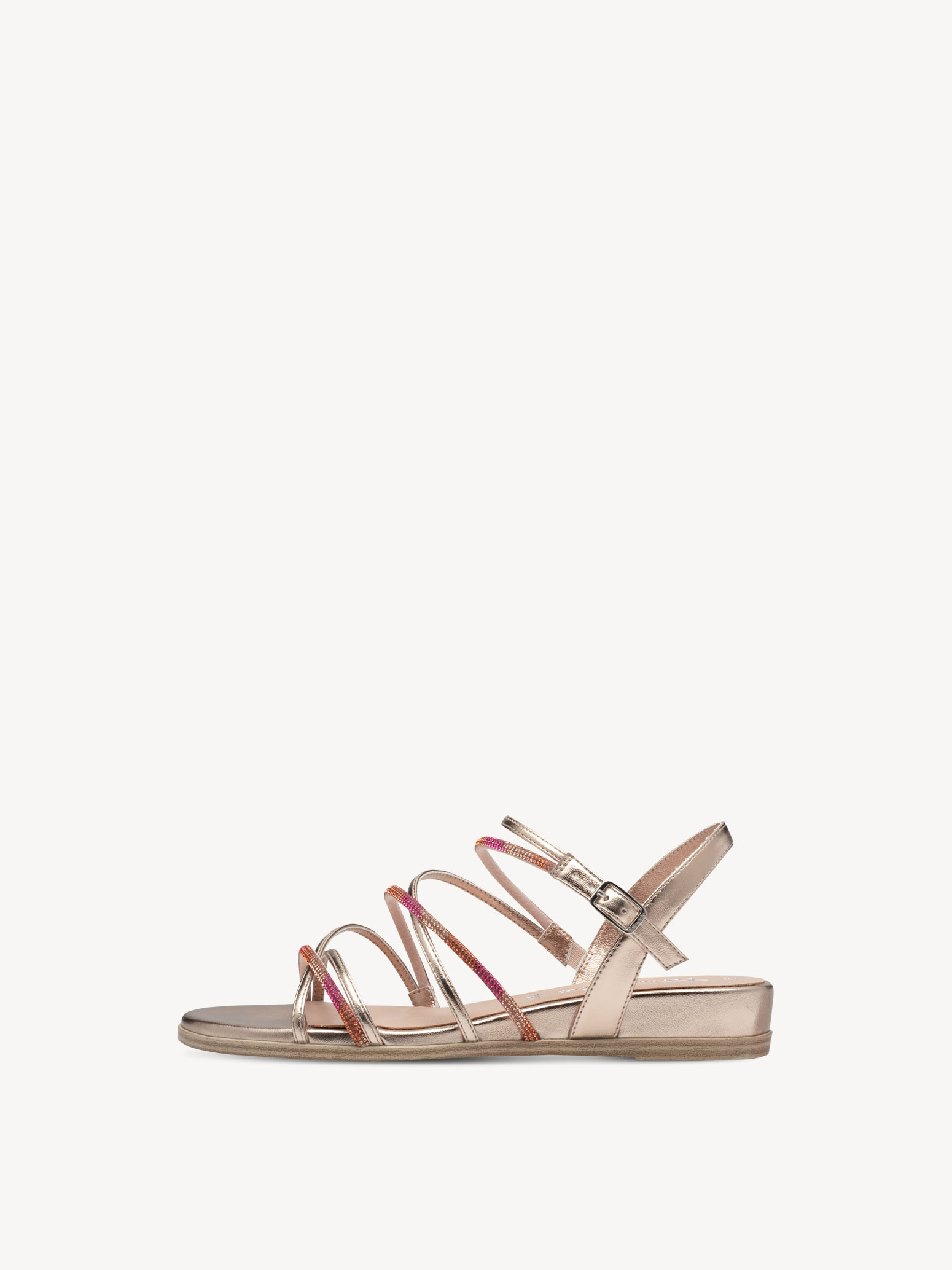
Sandały jasnoróżowy - 37
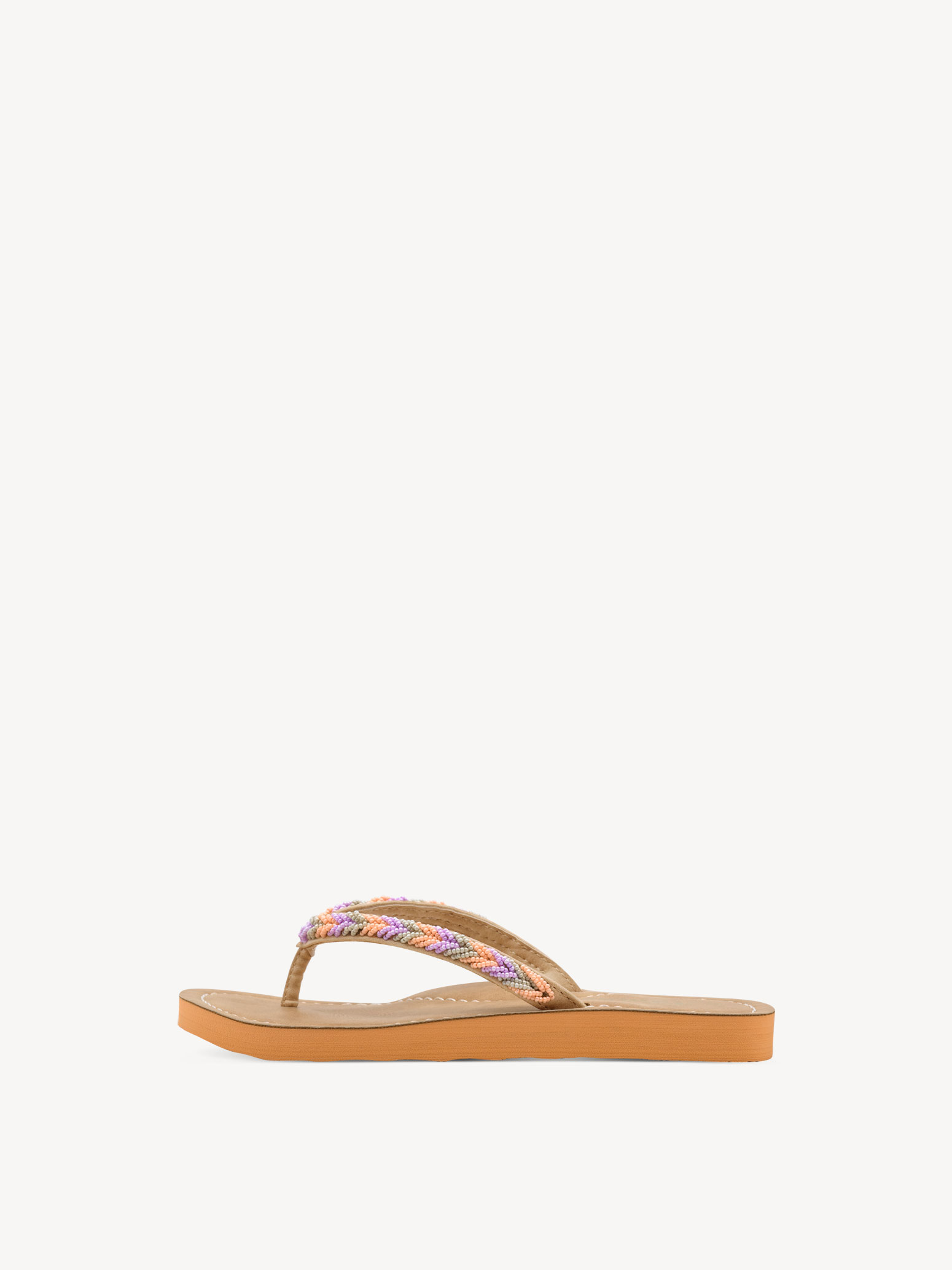
Japonki pomarańczowy - 40
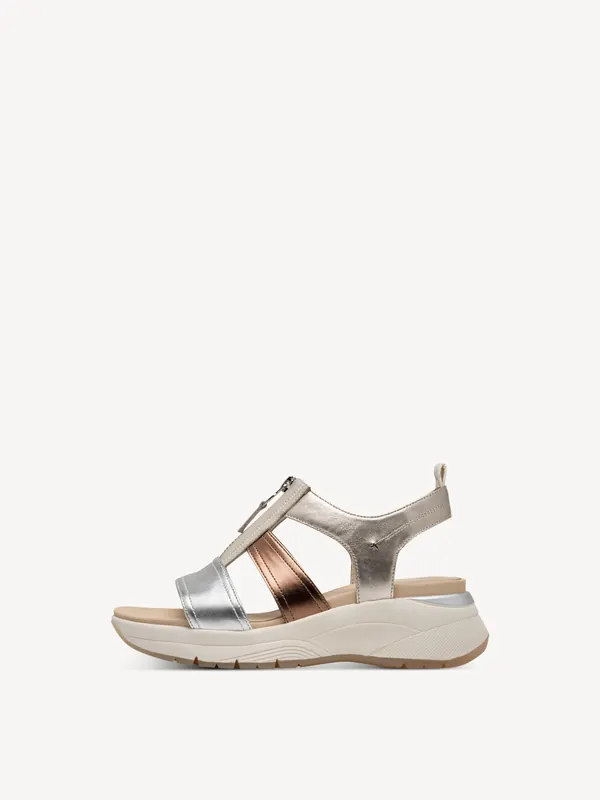
Sandały metaliczny - 40
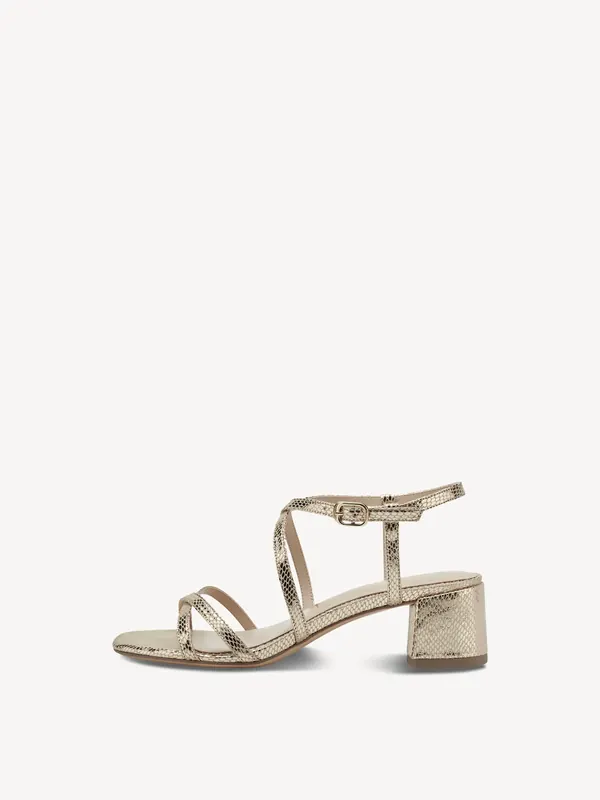
Sandały na obcasie złoto - 36
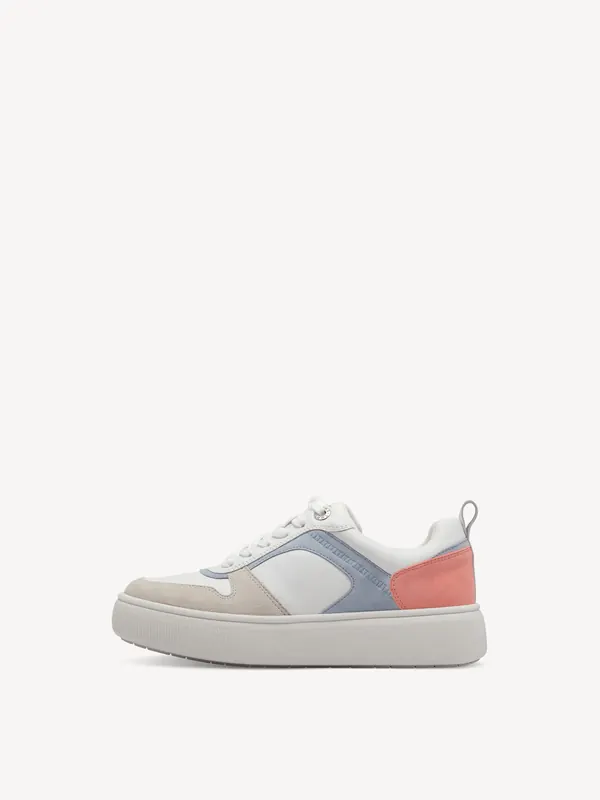
Sportowe niebieski - 41
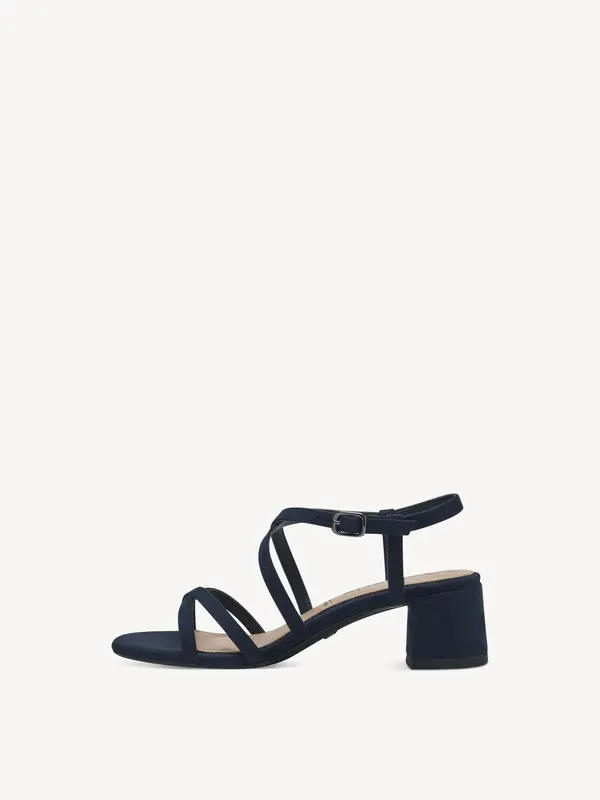
Sandały na obcasie niebieski - 40
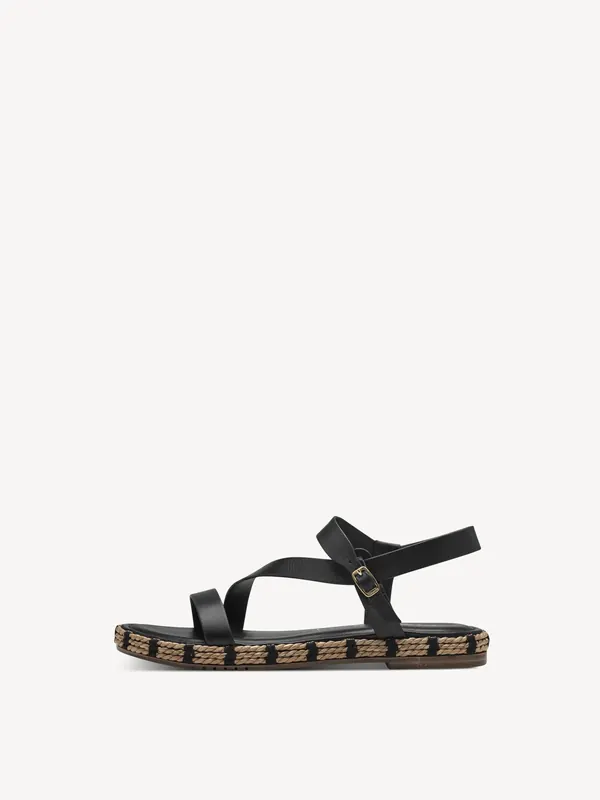
Sandały czarny - 38
Tamaris questions
Do I need an account to share my Tamaris basket?
No. Creating a shared basket and opening one both work without an account.
Does the person opening the link need the extension?
Only for the one-click rebuild. Without it the preview still opens in any browser, and each item can be opened on Tamaris by hand.
Are the prices in a shared basket guaranteed?
No. Prices and availability are whatever Tamaris shows at its own checkout — a shared basket is a shopping list, not a reservation.
Install the extension and send your next Tamaris basket as one link.
Get Extension